Comparisons & Buying Guides
Apartment Rower Space Comparison: Precise Measurements
6th May•10 min read
When you're shopping for a rowing machine simulator in a small apartment, the screen is rarely the headline feature. You think about noise, vibration, and footprint. But here's the measurement that matters: if your display dims in morning light, lags under resistance, or forces you to squint at metrics you're paying to track, you've already lost confidence in your training data.
Display quality shapes how you interpret pace, power, and progress, and whether your $2,000+ investment feels like a tool or a frustration. Unlike casual fitness gear, a rowing machine simulator with a poor ergometer display can quietly undermine weeks of effort if you can't trust what you're seeing.
This guide cuts through marketing claims and focuses on the displays you'll actually encounter, what makes them useful for apartment dwellers, and how to evaluate them against your specific space and body.
Row ergometers and high-end simulators broadly fall into three categories:
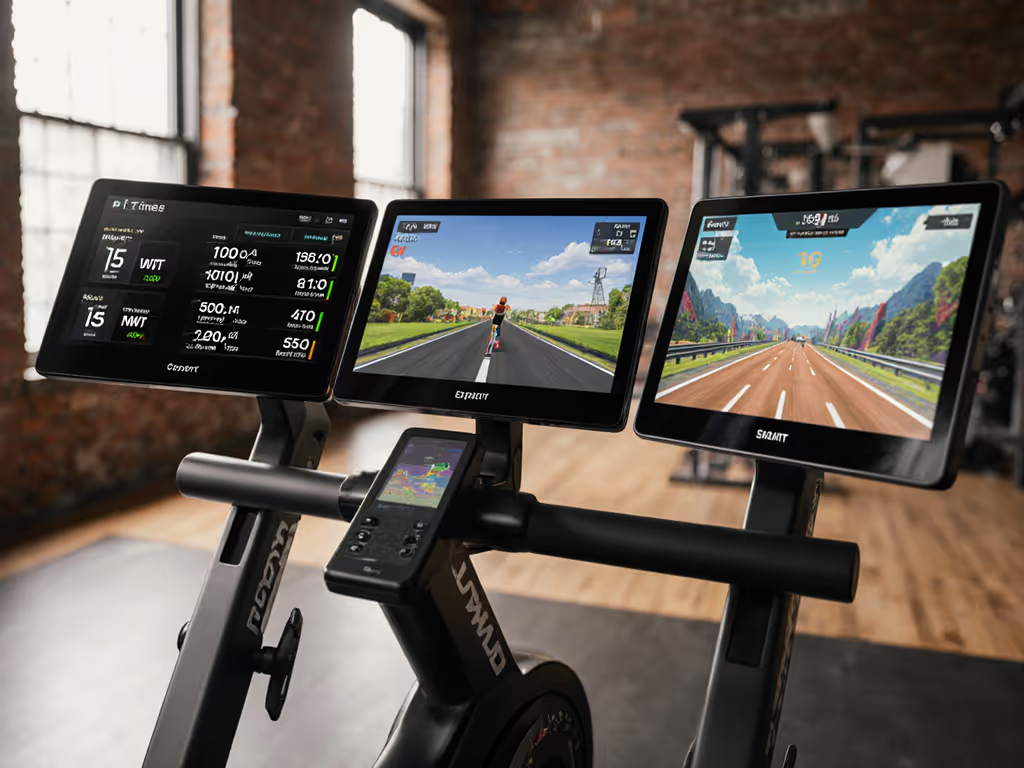
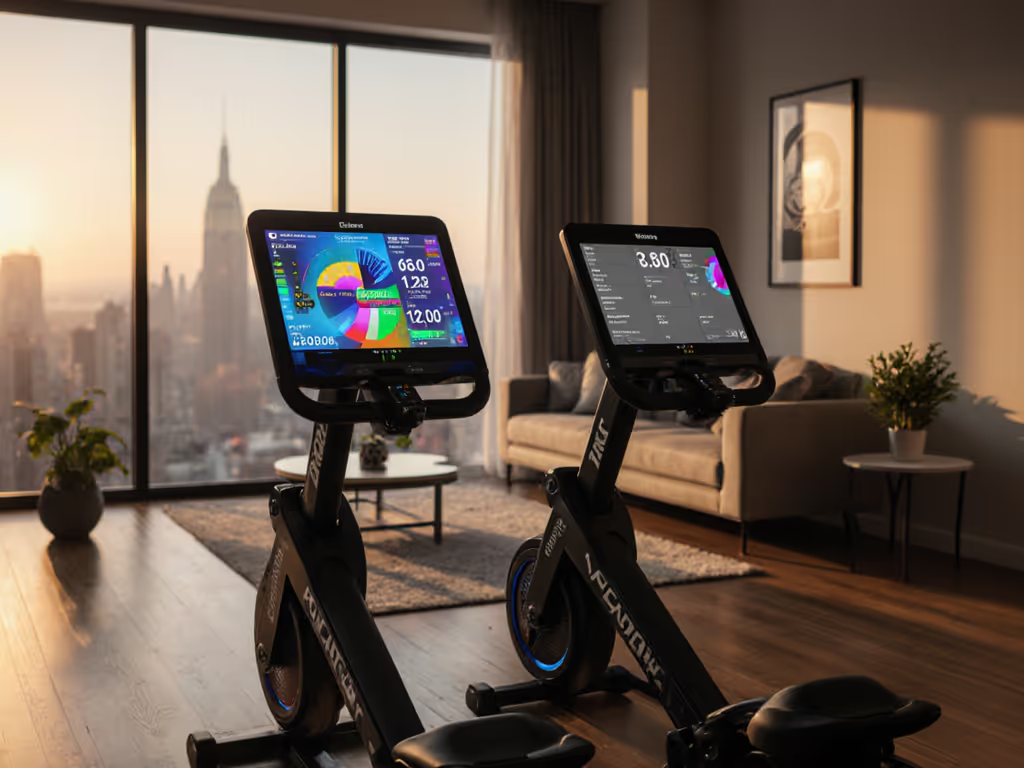
Integrated touchscreens on premium machines (typically 7-10 inches) offer interactive coaching, guided workouts, and real-time stroke visualization. The BIOROWER Pro, marketed as the world's first smart rowing simulator, exemplifies this approach, delivering stroke-shape curves and live feedback on a dedicated display.
Traditional mechanical monitors like the Concept2 Performance Monitor use a monochrome LCD or small LED display, optimized for split time, stroke rate, and power output without internet dependency. These have become the industry benchmark for data reliability.
Rig-matched simulators such as the SimulatOar™ (designed by 1976 Olympic medalist Calvin Coffey) prioritize biomechanical fidelity over on-screen entertainment. Adjustable geometry and resistance curves simulate boat load, with optional digital displays as secondary features.
For apartment dwellers evaluating displays, the first two matter most. If you're weighing integrated displays versus using your own tablet, see our built-in screen rowers guide.
The Concept2 monitor (installed on many home and club rowers) displays metrics across multiple screen views. To make sense of splits, watts, and stroke rate, our rower metrics primer breaks down what to track and why.
The split screen (most common) shows your pace per 500 meters after every stroke. Think of this as your snapshot feedback: if your target is 2:00 per 500m and the monitor reads 2:03, you know immediately to adjust effort.
Projected finish time view overlays goal-pacing, letting you check if you're on track for a 10,000-meter session target without arithmetic.
Force curve display visualizes power delivery in kilograms or pounds across your stroke, showing whether you're pulling evenly or front-loading effort.
Watts graph builds a bar chart of power per stroke, useful for advanced training but rarely the primary feedback screen.
For beginners, the split-time view dominates your attention. For apartment training, you'll rarely use the full suite. The big number (split pace) is what keeps you pacing without external devices.
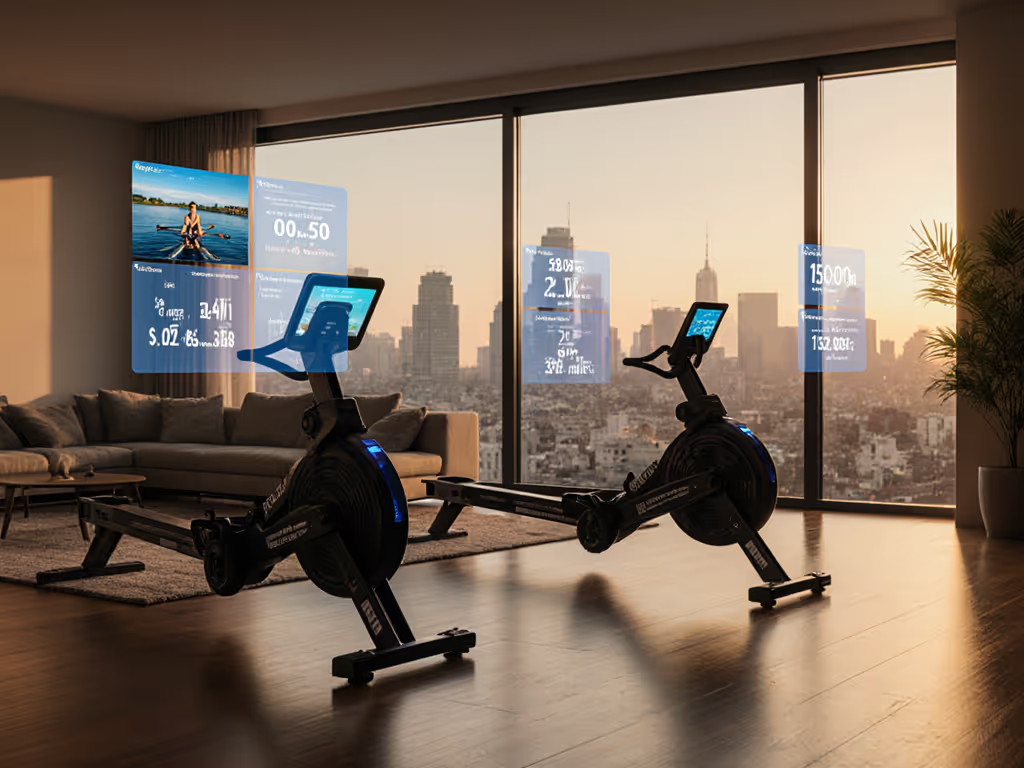
Touchscreens on premium machines (like the BIOROWER Pro) enable guided workouts, interactive games, and streaming coaching. They're visually engaging and reduce reliance on phone apps for programming.
LCD monitors (like Concept2's) are simpler: non-touch, smaller font, but rock-solid data reliability because they're not running apps. For a deeper comparison of monitor data fidelity, see PM5 vs iFIT accuracy. They do one job, show you splits, rate, and power, without lag or firmware hiccups.
For apartment dwellers, the trade-off is real: a touchscreen machine occupies visual space in your living room and adds complexity (battery charging, firmware updates, potential Bluetooth dropouts). An LCD monitor is nearly invisible after warm-up; you're focused on feel and breathing, not the screen itself.
Here's the measurement that matters: precision and responsiveness. A Concept2 split updates every stroke (~1 second) with zero perceptible lag. A touchscreen with Wi-Fi coach playback can stutter if your home router is sluggish. For someone training in a 120-square-foot bedroom, a laggy display is more disruptive than a glitch on a gym floor.
Not entirely. Built-in touchscreens on premium rowers handle in-session coaching and metrics display. However, most don't sync seamlessly to Apple Health, Strava, or Garmin without an intermediary app, or they lock you into the manufacturer's ecosystem with $30-45 per month subscription fees. If subscriptions factor into your decision, our rower subscription value analysis calculates real cost per workout.
Concept2's LCD monitor works with a separate machine-to-phone app (ErgData or similar), but it's optional. You can row for 20 years using only the monitor's split display and never touch your phone. This appeals to apartment dwellers who want autonomy: row, don't think, no notifications.
SimulatOar™ and rig-matched machines prioritize feel over screens; many support open ANT+ or Bluetooth protocols, letting you pair any third-party watch or HR monitor without subscription pressure.
For your desired outcome (control and flexibility), the simpler the machine's screen mandate, the better.
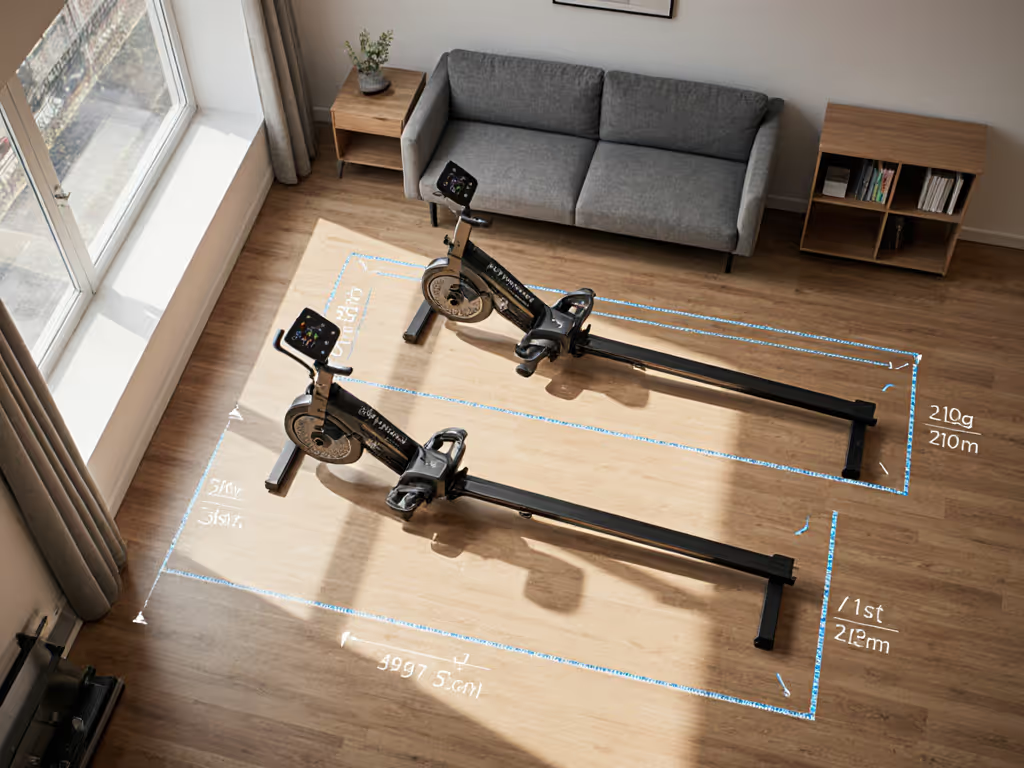
This is where apartment physics matters. A small bedroom or living room has fewer options for machine placement; you might be positioned perpendicular to a window, or your rower sits against a wall where afternoon light glares on the display.
LCD monitors (small, dark background) tend to fade in bright light; you squint or tilt your head to read splits. That 1-2 seconds of distraction breaks rhythm in a 20-minute interval set.
Touchscreens (larger, often backlit) stay readable, but backlight power drains battery faster in window-lit rooms, and the reflection can be jarring in a dark apartment at 5 a.m.
Manufacturers rarely publish independent brightness (candela) or anti-glare coating data for competitive simulators, which is a notable gap in specs. Practical testing in your own space is essential: if possible, visit a showroom or gym with the exact model and row in your typical lighting window.
Monitor lag becomes noticeable during sprint intervals. Your power output surges, but the display updates on a 1-second stroke cycle. If a monitor takes 2+ seconds to refresh, you'll feel disconnected from feedback, especially in short repeats (e.g., 8×500m).
Concept2 monitors and most dedicated ergometer displays update with every stroke, so lag is imperceptible.
Touchscreen machines running apps (like BIOROWER's coaching overlay) can experience lag if the machine's processor is underpowered or if Bluetooth connection drops. This matters in a small apartment where you want solid feedback fast. Lag makes you doubt your effort, which compounds during fatigue.
In a typical apartment bedroom or small den, you're sitting 4-6 feet from the display (standard rower setup). A 3-inch LCD monitor is hard to read; a 7-inch touchscreen is ideal, large enough for splits and coaching visuals without dominating the wall.
If you're under 5'6", the row machine frame itself may occlude your sight line to a wall-mounted screen. For shorter athletes, our petite rower fit guide lists models with better sight lines and ergonomics. If you're 6'2" or taller, a screen that's too low will cause neck tension. Test-drive the machine at the exact height and angle your apartment layout dictates.
Many older buildings have poor 5GHz Wi-Fi penetration or interference from neighbors' networks on 2.4GHz. A premium rower's touchscreen may disconnect mid-workout if your router is far or weak. An LCD monitor with optional Bluetooth pairing to your smartwatch is more resilient: if Bluetooth drops, the monitor itself keeps logging your splits.
This subtly shifts the risk calculation for apartment dwellers. A simpler display that works offline is often more reliable than a fancy one that depends on home networking.
A 10-inch glowing touchscreen mounted on a rower in a 250-square-foot studio is hard to ignore. A Concept2-style LCD monitor blends into the machine's frame; your eye doesn't linger on it post-row. If your apartment is an open floor plan shared with a partner or roommate, the rower's visual footprint matters more than in a dedicated home gym.
Many apartment dwellers prioritize aesthetics and simplicity: a quiet, compact rower with a modest monitor beats a high-tech display that feels like a TV in your bedroom.
Rowing machine simulator displays come in three flavors: premium touchscreens with coaching, proven LCD monitors optimized for splits, and rig-matched machines that treat the screen as optional.
For apartment dwellers, the "best" display isn't the flashiest, it's the one you trust and never think about after warm-up. A Concept2 LCD monitor scores high on reliability and simplicity; you'll never fret over firmware or app crashes. A BIOROWER touchscreen excels if you want interactive coaching and don't mind the device ecosystem. A SimulatOar appeals if you value biomechanical fidelity and flexibility with third-party data sync.
Ask yourself these three questions before buying:
The measurement that matters isn't screen resolution or app count: it's data you can trust and feedback fast enough to keep you present during hard rows. Test the exact machine in similar lighting and space before committing; your apartment's geometry and your body size dictate usability far more than specs.
Once you've matched the display type to your training style and space, the monitor recedes. Your focus returns to breathing, pace, and the stroke, the only metrics that truly count.